
2026 Children's Christmas Party Tickets - Registration of Interest
 Start a
 Preview
  Download
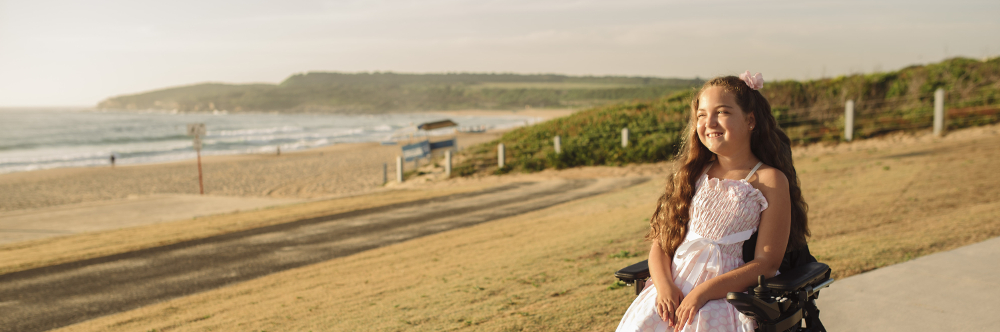
 The Childrens Christmas Party is specifically for children with disabilities and complex needs, where they can enjoy just being a 'kid' again.
There will be activities such as rides, interactive displays, photo opportunities and much more. Free food, drinks, lollies and ice creams, are available to the children on the day. Each child that is registered for a ticket will be given 3 brand new presents from Santa.
Date: Saturday, 12 December 2026
Location: Brisbane Convention Centre
Doors Open: 10:30am
Last Rides: 2pm
Cost: FREE
ELIGIBILITY
The children eligible to attend the party:
- Age 0 to 12 years of age (inclusive)
- Be eligible for the NDIS (Does not need to be receiving NDIS to register)
SUPERVISION
Each child's invite allows up to 2 adults to attend with them. Adults do not require tickets.
SIBLINGS
Families are encouraged to only bring the children who are eligible and are registered for a ticket. Children who don't have a ticket will not recieve presents.
These restrictions are in place due to:
-
Catering and numbers: are set based on tickets.
-
Space and safety: The venue has strict capacity limits, and our safety officers monitor this closely.
-
Gifts and expectations: Each invited child receives a special gift and goes through the Toy Room to choose it. When siblings come along, it can sometimes cause confusion or disappointment, especially when one child receives a present and another doesn’t.
To see what happens at a Party, please visit sccpau.com.au/brisbane
PLEASE NOTE: This event is not run by Variety Qld. For any further questions or concerns about the event, please visit: sccpau.com.au/faqparents
If you need more help using this form, download the Help Guide for Applicants or check out Applicant Frequently Asked Questions (FAQ's)
SAVING YOUR DRAFT APPLICATION
If you wish to leave a partially completed application, click Save and Close and log out. When you log back in, click My Submissions at the top of the screen to find your draft or submitted applications. You can reopen your draft and continue where you left off.
You can also download any application (draft or completed) as a PDF by clicking Download PDF at the bottom of the last page of the form.
SUBMITTING YOUR APPLICATION
- Review your application using the Review and Submit button in the Navigation Panel.
- You cannot submit until all compulsory questions are completed and there are no validation errors.
- Once submitted, you cannot edit or upload additional documents.
- After submission, you will receive a confirmation email with a copy of your application attached. If you do not receive this email, your application has not been submitted. Check your spam or junk folder if necessary.