
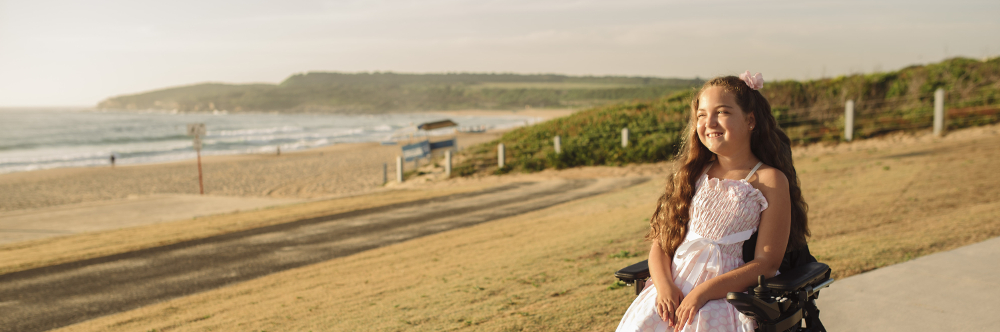
Liberty Swing Program
 Start a
 Preview
  Download
 IMPORTANT: Please read the information below to assist you in completing your request
Liberty Swings give children who use wheelchairs or who are living with a physical impairment the chance to enjoy the simple joy of swinging. They create shared play spaces where children of all abilities can come together and experience the fun and freedom that every child deserves.
Our Liberty Swing is portable and can be transported using a vehicle fitted with a tow bar. While we aim to assist with transport wherever possible, organisations are usually required to collect and return the swing. Pick-ups are often arranged from other schools or community organisations, and our team will coordinate all relevant details and contact you to confirm collection times.
The booking for the swing is per term.
Disclaimer
By submitting a request to book the Liberty Swing, you acknowledge that your organisation is responsible for the safe set up, use, collection, and return of the swing. You also acknowledge that your organisation accepts all responsibility and liability for the swing while it is in your care. This includes ensuring that all safety guidelines are followed and that appropriate supervision is provided at all times.
BEFORE YOU BEGIN
If you need more help using this form, download the Help Guide for Applicants or check out Applicant Frequently Asked Questions (FAQ's)
SAVING YOUR DRAFT APPLICATION
If you wish to leave a partially completed application, press 'save and close' and log out. When you log back in and click on the 'My Submissions' link at the top of the screen, you will find a list of any applications you have started or submitted. You can reopen your draft application and start where you left off.
You can also download any application, whether draft or completed, as a PDF. Click on the 'Download PDF' button located at the bottom of the last page of the application form.
SUBMITTING YOUR APPLICATION
You will find a Review and Submit button at the bottom of the Navigation Panel. You need to review your application before you can submit it.
Once you have reviewed your application you can submit it by clicking on 'Submit' at the top or bottom of the screen or on the navigation panel. You will not be able to submit your application until all the compulsory questions are completed and there are no validation errors.
Once you have submitted your application, no further editing or uploading of support materials is possible.
When you submit your application, you will receive a confirmation email with a copy of your submitted application attached. This will be sent to the email you used to register.
If you do not receive a confirmation of submission email then you should presume that your submission has NOT been submitted.
Hint: also check the email hasn't landed in your spam or junk email folder.